
Share a Saved Configuration File
About this task
A configuration file can be shared to other iOS/Android devices or a computer. The configuration file has the file name suffix .miniconfig.
Shared configuration files can be transferred to an SD card directly from a mobile device with a file manager and SD card reader, or they can be sent to a computer for transfer to an SD card. The card can then be used to transfer the configuration directly to a recorder (see Load a Configuration File from an SD Card).
Procedure
-
In the Configuration Library screen, tap on the selection
circle to the left of any configuration to select it.
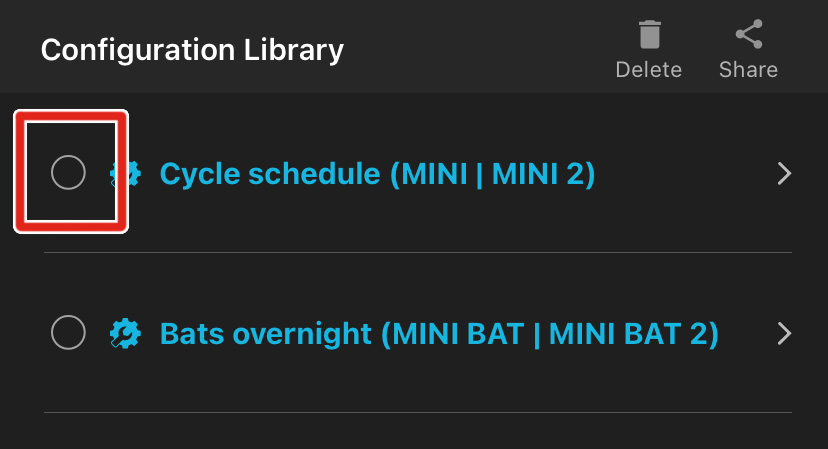
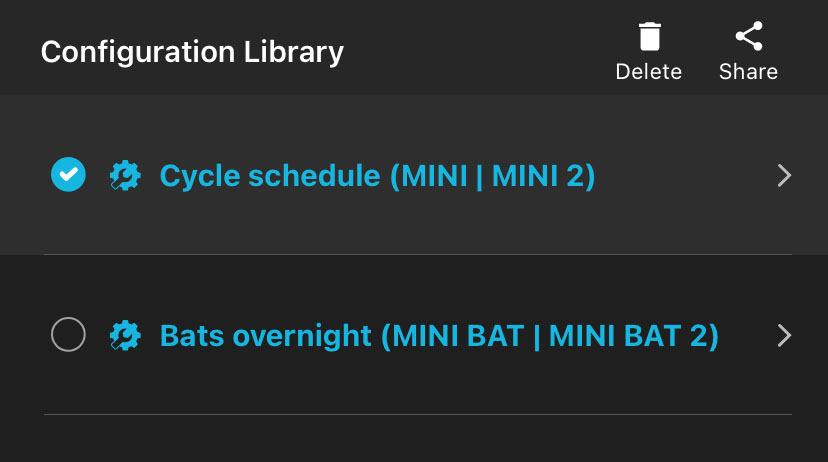
Selected configurations have the selection circle icon filled in with a check mark.
-
Repeat 1
to select multiple configurations, if desired.

-
Tap the Share icon at the top right of the screen.
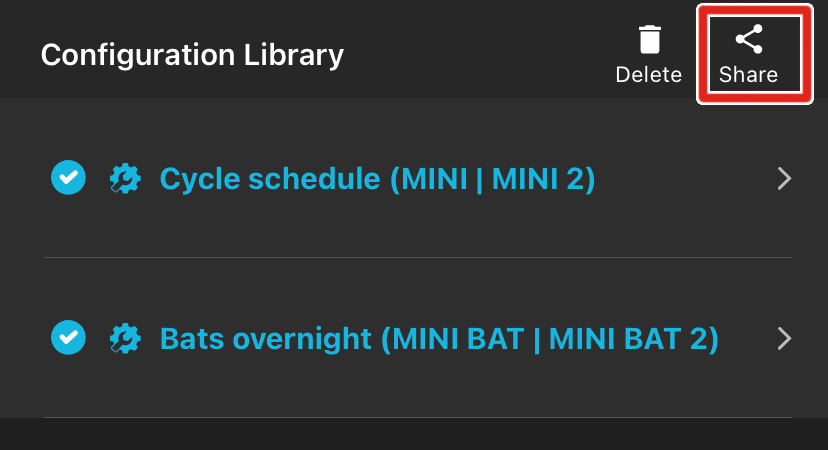
The iOS or Android interface for sharing files between applications will open.
-
From the operating system's file-sharing interface, select the desired method for
sharing the file.
For example, you can send the configuration file as an email attachment or use your device's file manager to save the configuration file to an SD card.