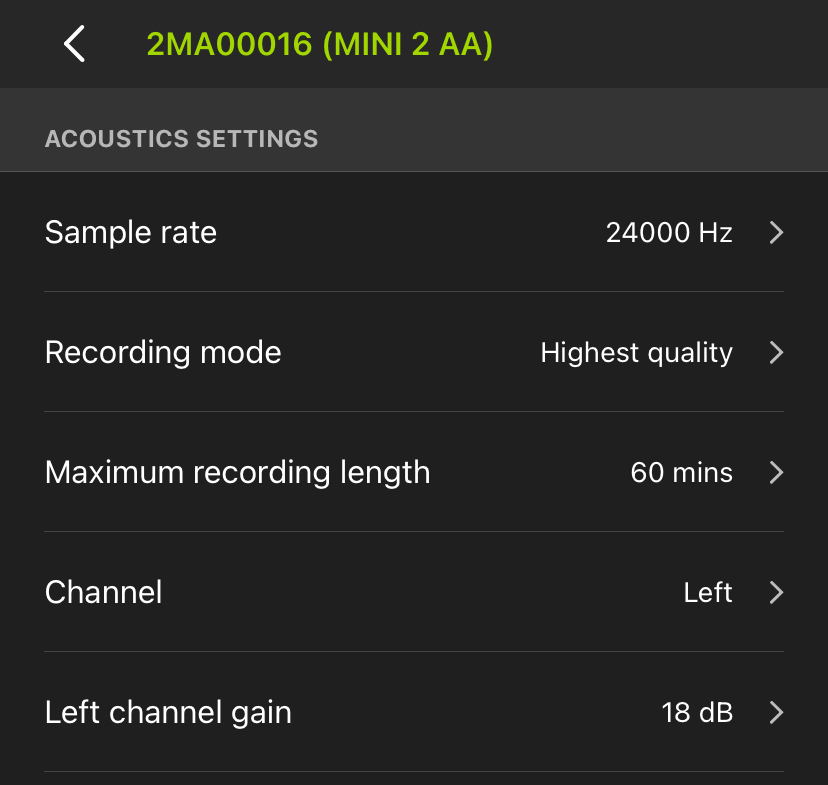
Acoustic Settings Screen
The parameters on the ACOUSTIC SETTINGS screen affect how the Song Meter Mini 2 records audio during its recording schedule.
To make changes to any setting on this page, tap on the setting label. A new window will appear to let you select the available options for that setting.
To exit the ACOUSTIC SETTINGS screen, tap the < icon at the top left, or tap the text displaying the recorder's name and model.