Test the Acoustic Microphone
About this task
The sensitivity of the acoustic microphone can be measured to test its functionality. The Test microphone readout measures the volume of the incoming signal from the acoustic microphone with a bandpass filter applied at 1 kHz. This readout is designed for use with a standard microphone calibrator.
A standard microphone calibrator will produce a 1 Pa / 94dB SPL, 1 kHz tone at a fixed distance from the microphone. The calibrator must be compatible with 0.5′′ diameter microphones.
This procedure is only valid for third-party microphone calibrators that emit a calibrated, 1.0 kHz sine wave at a volume of 94 dB SPL.
Procedure
-
In the Song Meter Configurator app, open the Utilities
menu:
- In the Utilities menu, tap Test microphone.
- Close the lid of the Song Meter Mini 2.
-
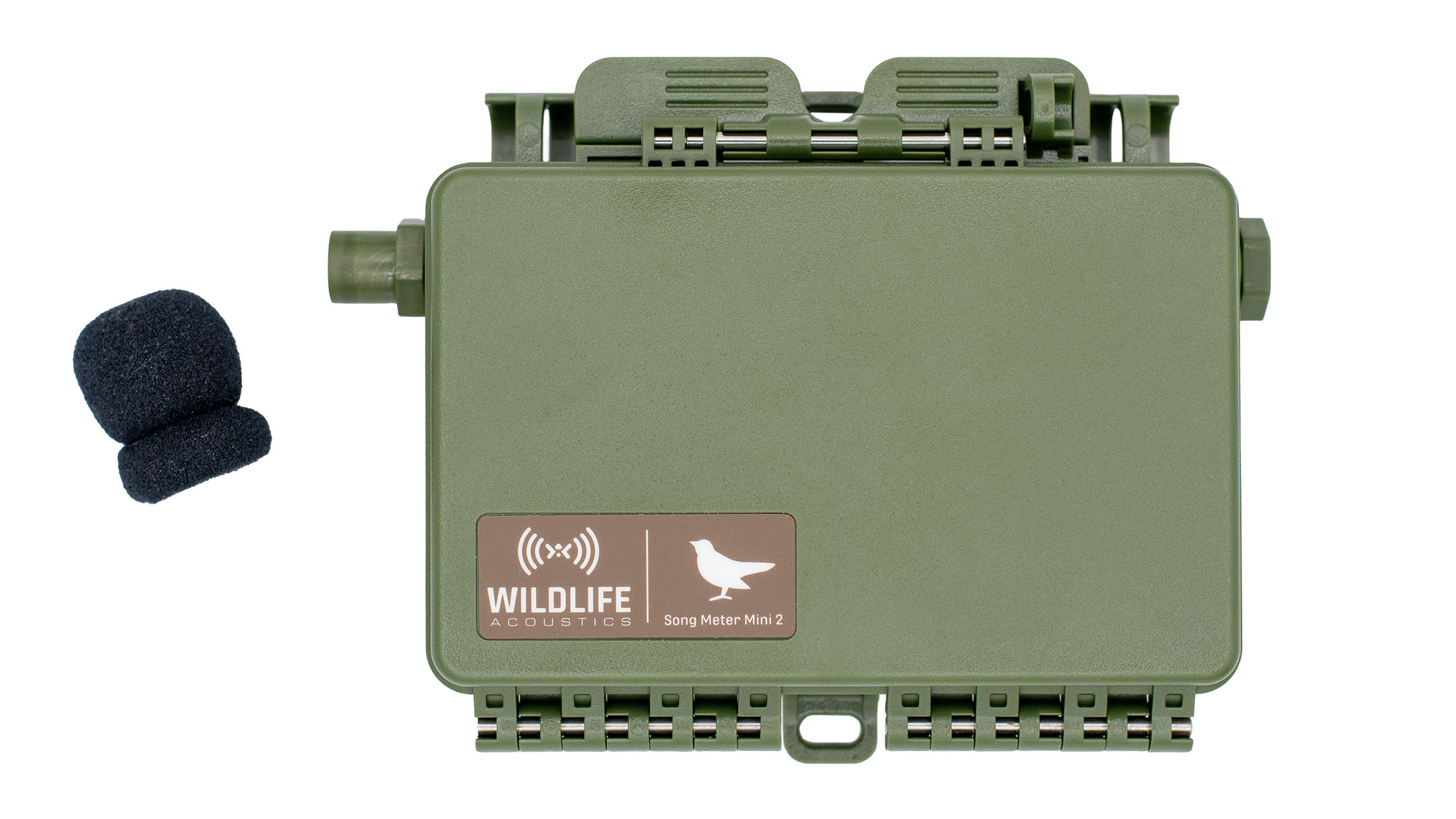
Remove the foam windscreen from the acoustic microphone.
-
Connect the calibrator to the acoustic microphone according to the calibrator's
instructions.
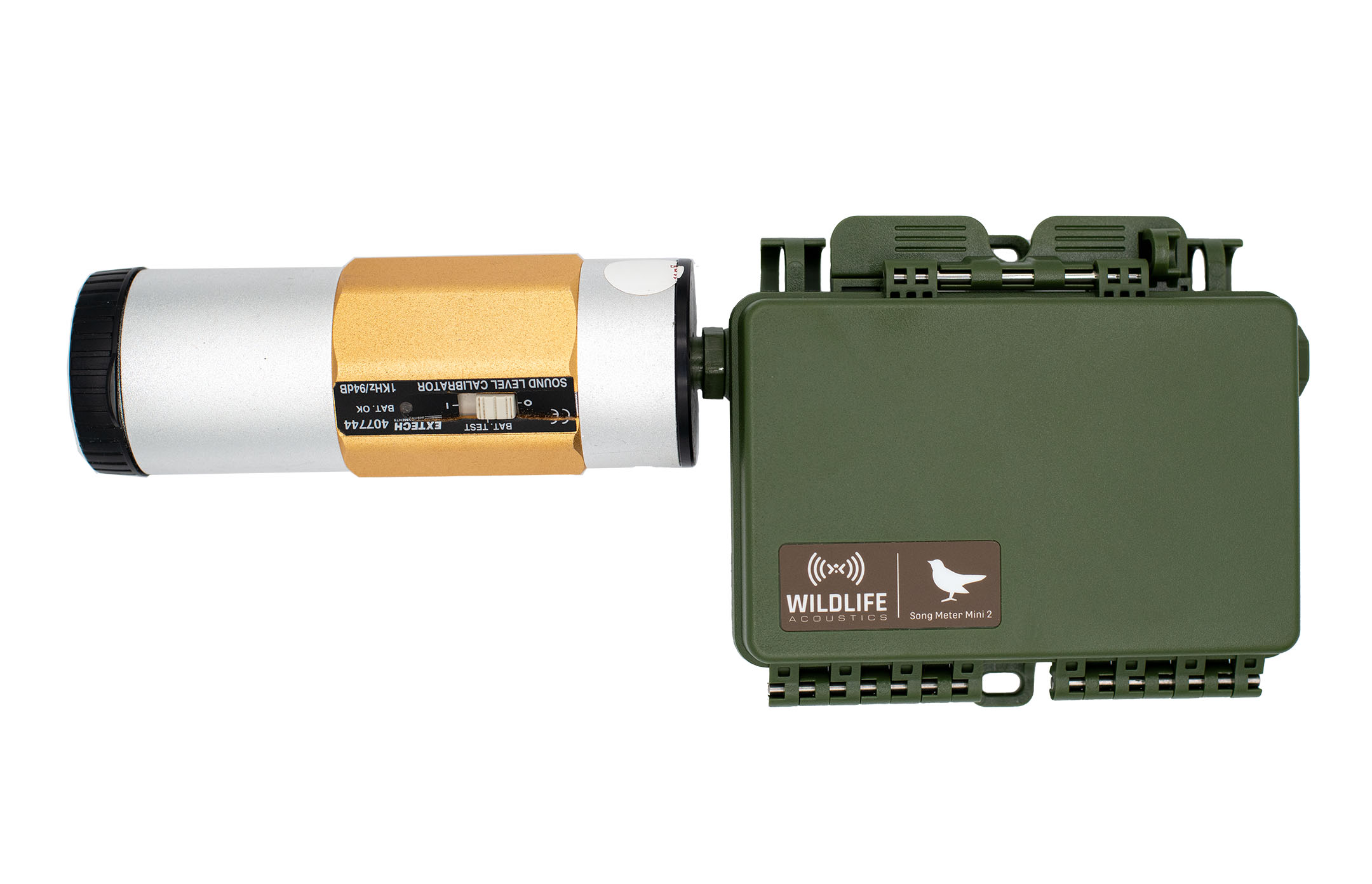
- Turn the calibrator on.
- If the calibrator has the option of multiple test frequencies and amplitudes, select 1 kHz and 94 dB SPL.
-
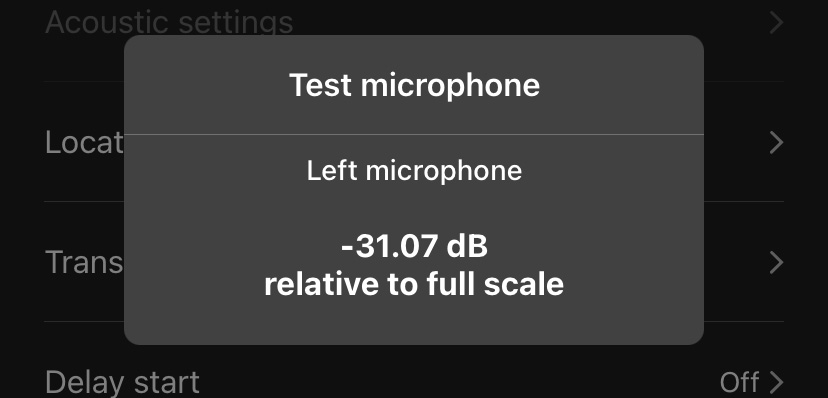
Observe the amplitude reading in the Test microphone window.
If the value is higher than -16 dB, the microphone has passed and is ready to use. If
the value is lower, the microphone has lost some or all of its sensitivity and should
be replaced.
dBFS readings in the Test microphone window are negative numbers, so a "higher" value than -16 dB is one that is closer to 0 dB. For example, a reading of -10 dB would pass, while a reading of -20 dB would fail.