
Delete a Saved Configuration File
About this task
To remove a saved configuration from the Configuration Library:
Procedure
-
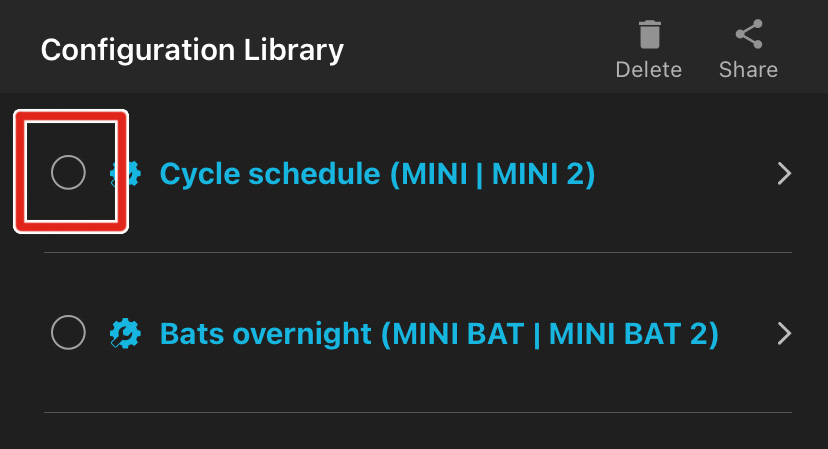
In the Configuration Library screen, tap on the selection
circle to the left of any configuration to select it.
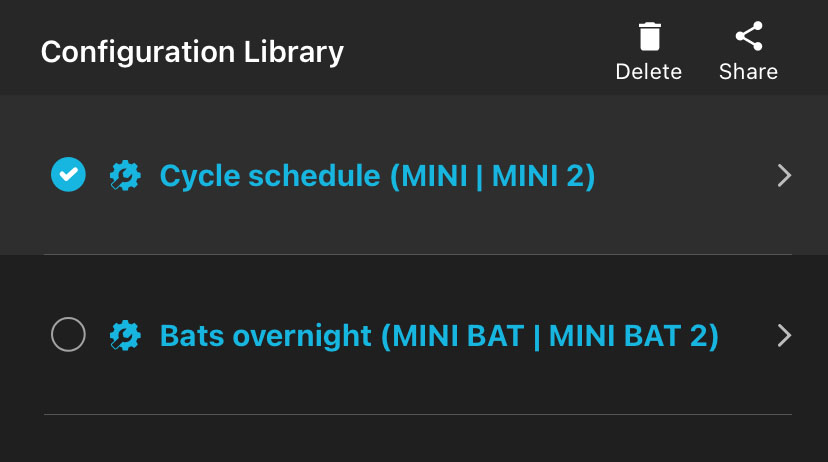
Selected configurations have the selection circle icon filled in with a check mark.
-
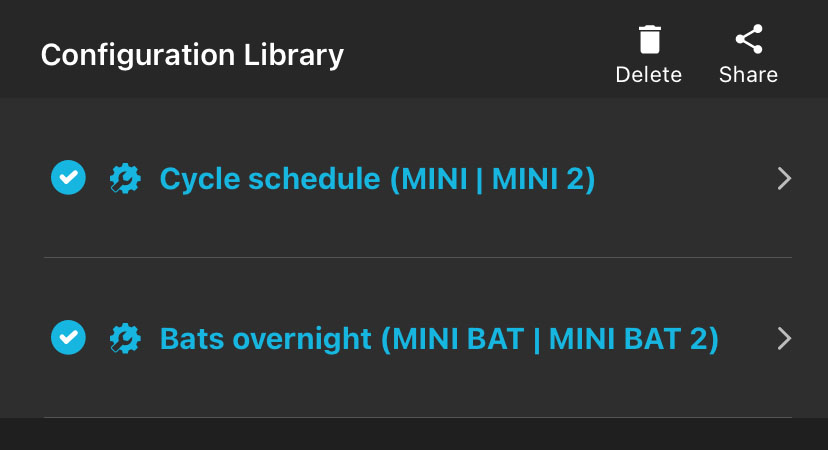
Repeat 1
to select multiple configurations, if desired.
-
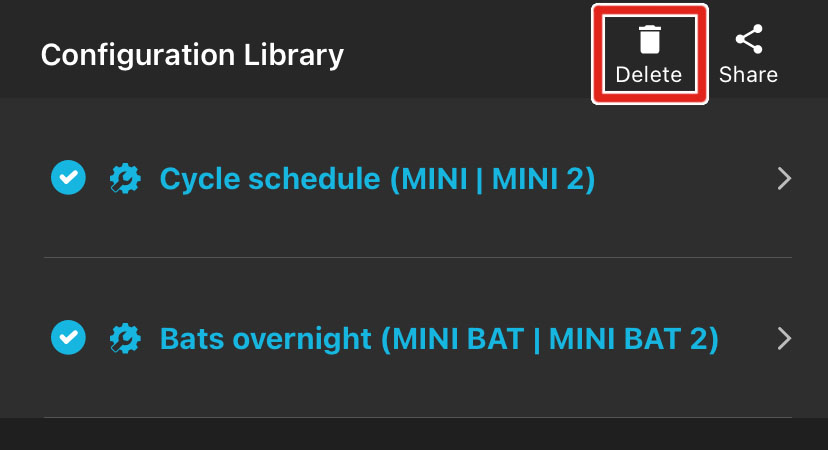
Tap the Delete icon in the upper right of the screen.
A message will ask if you're sure you want to delete the configuration.
- Tap DELETE.