
Install and Configure the SMART OPC UA Server
The SMART OPC Unified Architecture (OPC UA) Server is installed automatically with the SMART System Software version 1.3.1 or later, for either Ubuntu 18.04LTS or 22.04LTS. In order for the OPC UA Server to begin running, you must configure SCADA settings on your SMART Controller.
Procedure
-
To check the currently installed
version of the SMART System Software, open the SMART Control Panel and check the
Version text at the bottom of the navigation
panel.
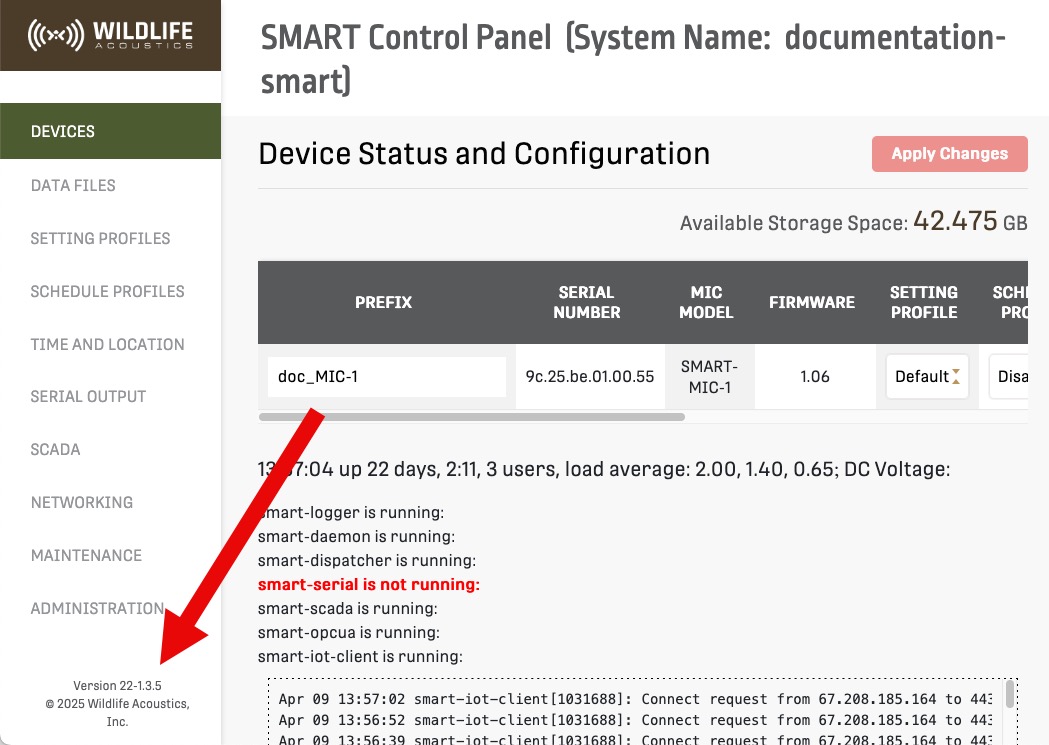
If the text displays version 18-1.3.1 or later, or 22-1.3.1 or later, then the OPC UA server is installed. -
In the SMART Control Panel, under the SCADA tab, set the Modbus
Port to TCP and enable at least one
alarm.
Configuring SCADA settings creates the file /var/www/storage/scada.json.
-
Configure Secure Certificates for communication between your client and the
SMART Controller.
Secure Certificates may be installed on the SMART Controller in the directory /etc/ssl/private.
-
From a terminal, run the command
systemctl start smart-opcuato start the OPC UA server.