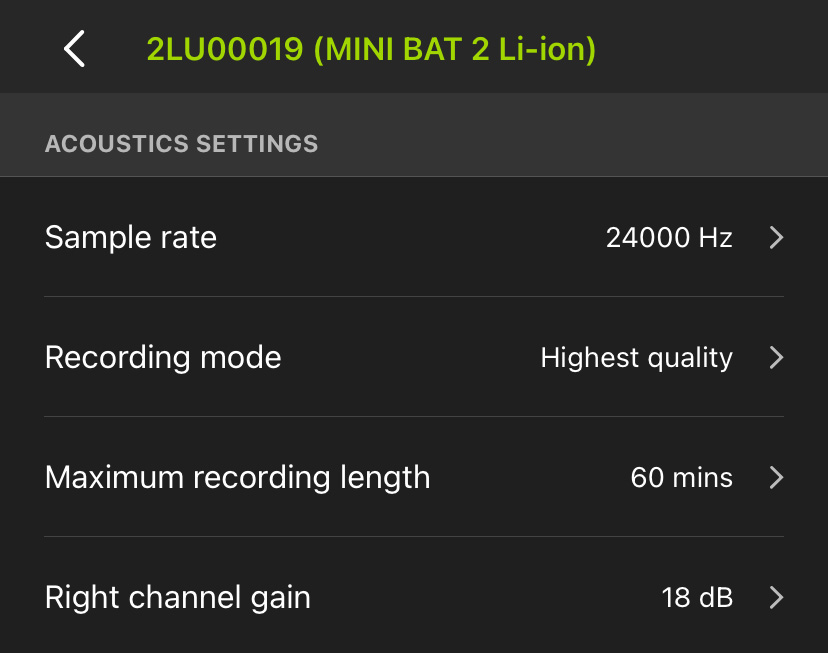
Acoustic Settings Screen
Note:
When configuring a paired Song Meter Mini Bat 2, the ACOUSTIC SETTINGS menu will only be available if the paired recorder has the optional acoustic microphone installed.
The parameters on the ACOUSTIC SETTINGS screen affect how the Song Meter Mini Bat 2 records audio in the range of human hearing during acoustic recording periods.
To make changes to any setting on this page, tap on the setting label. A new window will appear to let you select the available options for that setting.
To exit the ACOUSTIC SETTINGS screen, tap the < icon at the top left, or tap the text displaying the recorder's name and model.