
Schedule Calendar
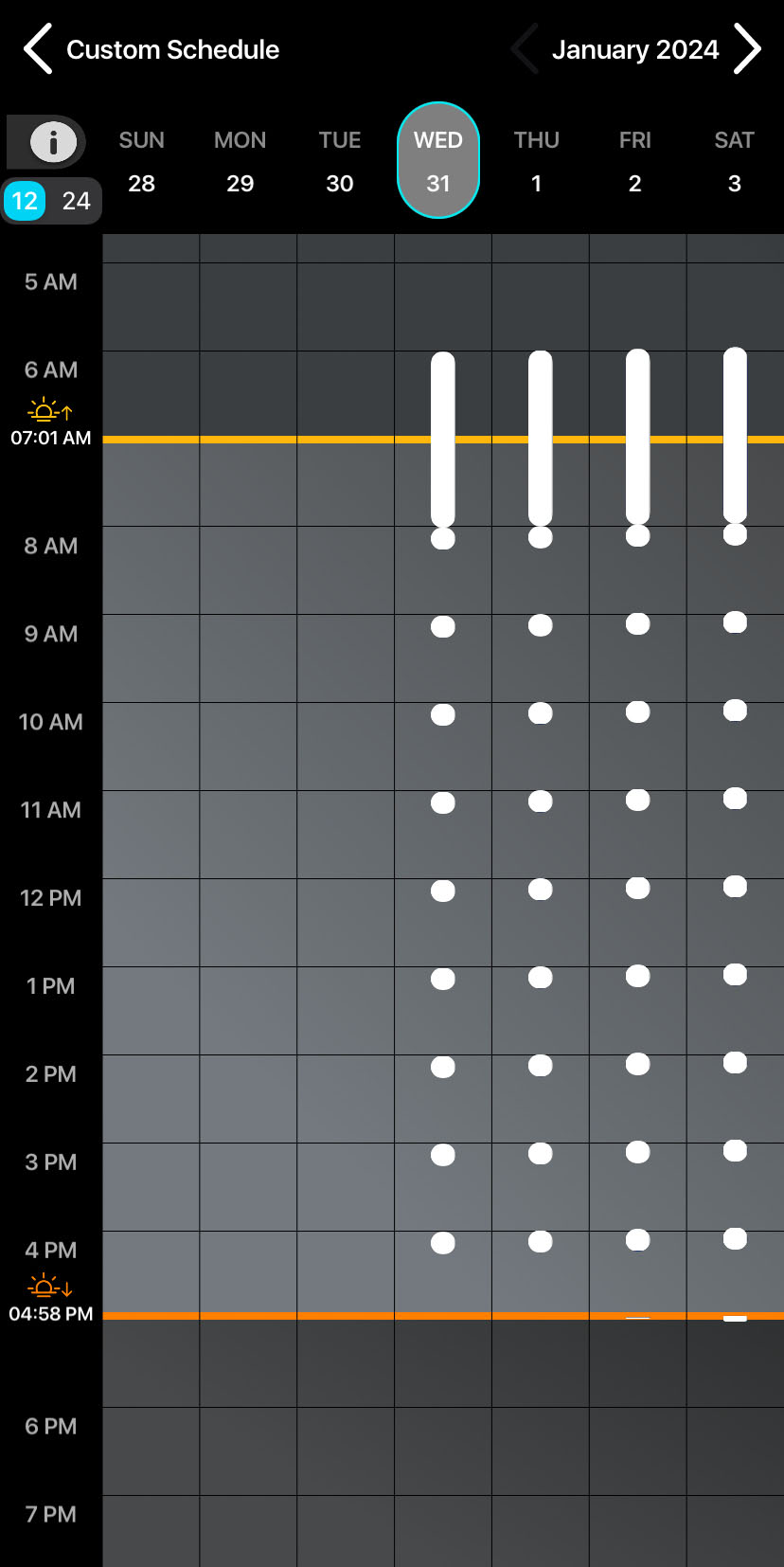
The Schedule Calendar provides a visual representation of your recording schedule. It shows when your recorder will be active during any given day. This is especially useful for complex schedules comprised of multiple schedule blocks. By looking at the Schedule Calendar, you can:
-
Confirm that the schedule shown on the calendar matches your intended schedule.
-
Check whether any recording periods from multiple blocks overlap with each other.
-
See how changes in sunrise and sunset during the course of a deployment will affect your schedule.
-
Confirm that schedule blocks with date ranges or day duty cycles are active on the expected dates.
To learn more about recording periods and how to construct a recording schedule, see Design a Custom Schedule.
Enter and Exit the Schedule Calendar
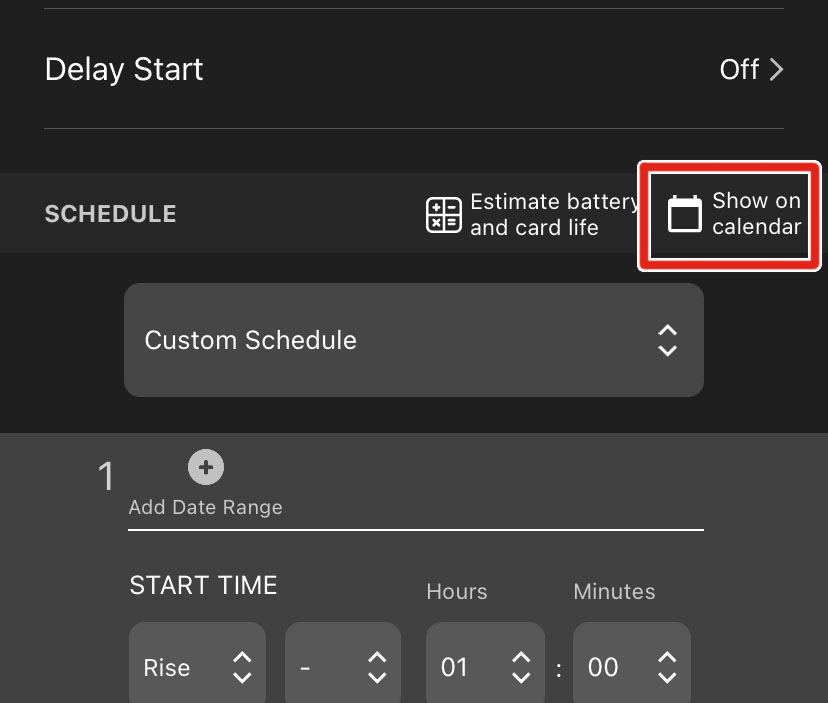
To access the Schedule Calendar from the Configuration Editor screen, tap Show on calendar.
There are two methods to exit the Schedule Calendar:
-
Tap the < icon or the Schedule Name in the top-left corner of the screen.
-
Touch the left edge of the screen with one finger and swipe right.
Navigate and Select Dates
The calendar displays one week of dates at a time, from Sunday to Saturday, arranged horizontally. The currently displayed dates are listed across the top of the calendar panel. A single Selected Date is highlighted in light gray with a blue border. The Month and Year of the Selected Date are displayed in the upper right of the calendar screen.
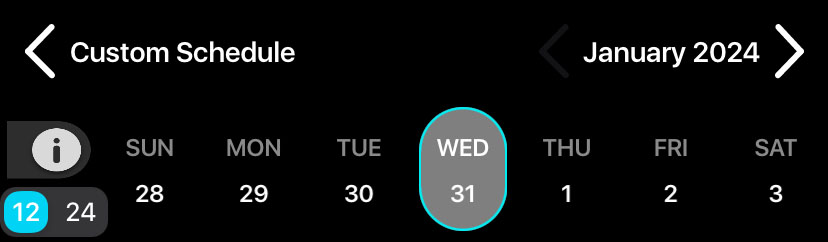
To navigate between months, tap the < and > buttons on either side of the Month and Year text.
To navigate between weeks, use one finger to touch anywhere in the main panel of the calendar and swipe left or right.
To change the Selected Date, tap on the day name or date number of the desired date above the calendar's main panel. The Selected Date determines the values of sunrise and sunset times displayed in the calendar (see Sunrise and Sunset Times).
Scroll and Zoom the Calendar
Time of day is visually segmented into one-hour blocks in the calendar's main panel. Each block is labeled by hour in the vertical axis to the left of the calendar's main panel.
To scroll through time of day, use one finger to touch the main calendar panel and drag up or down.
To adjust the vertical zoom level, touch the calendar panel with two fingers, arranged vertically, and move your fingers together or away from each other.
Set 12-Hour or 24-Hour Time Convention
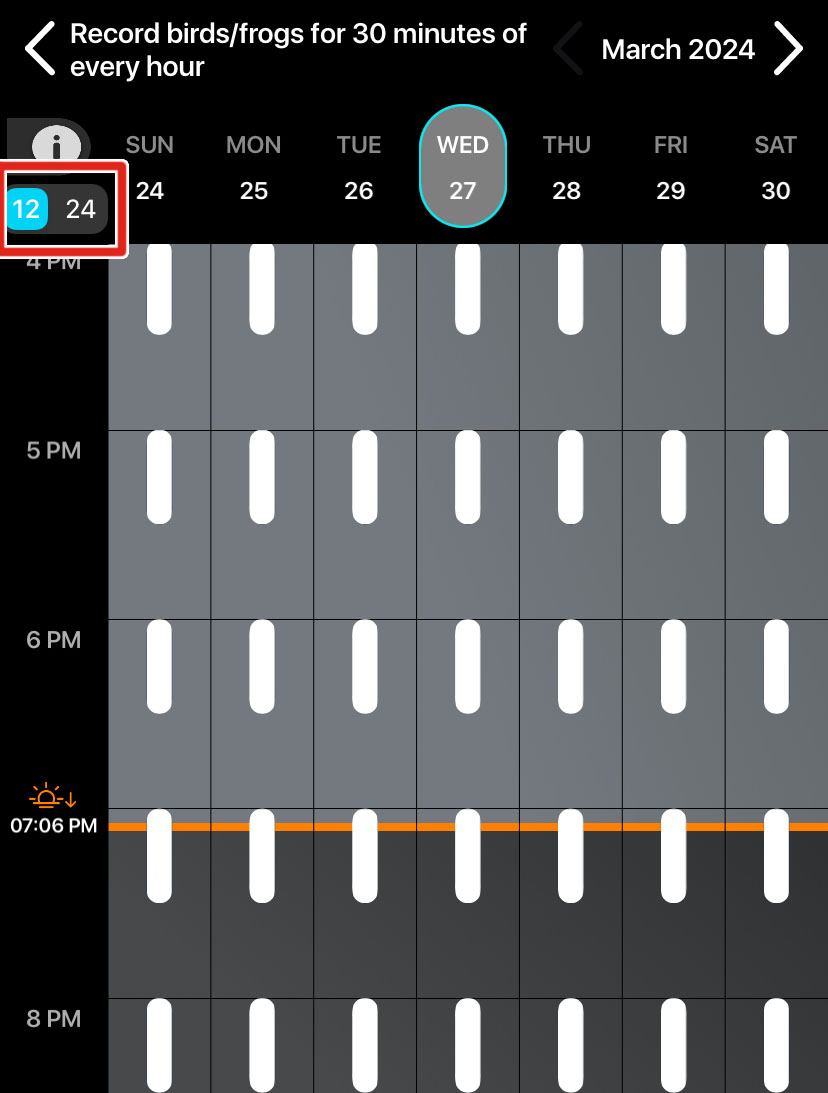
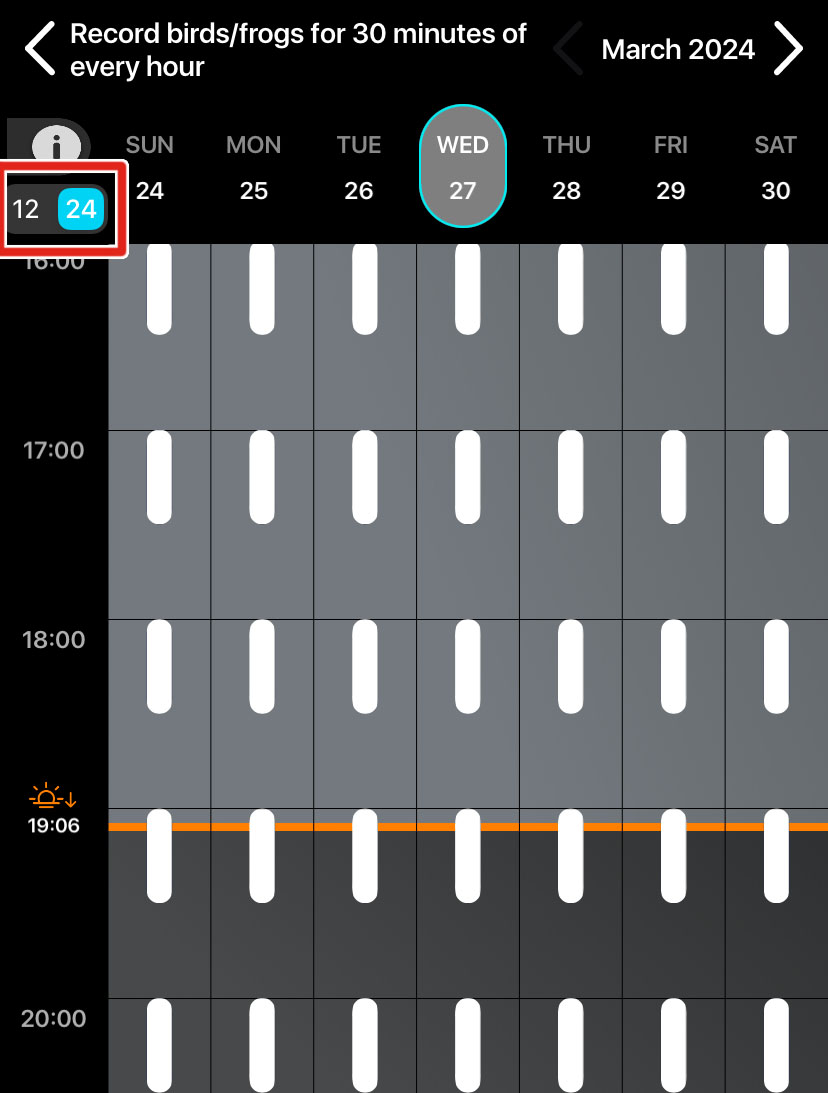
To change whether the time labels on the vertical axis use 12-hour or 24-hour clock conventions, tap the 12/24 toggle switch above the time axis.
|
|
12-hour convention (left) and 24-hour convention (right).
Sunrise and Sunset Times
The Schedule Calendar displays calculated sunrise and sunset times for
the Selected Date along the vertical axis. Sunrise is indicated
by a yellow line and a  icon. Sunset is indicated by an orange line and a
  icon.
icon.
While the lines indicating sunrise and sunset are drawn across the entire displayed week, the precisely calculated times are based only on the Selected Date (see Navigate and Select Dates).
Sunrise and sunset are calculated for each date based on the recorder’s saved deployment location and time zone. If the sunrise and sunset times shown on the calendar for the current date do not match reality, check the Location & Time Zone Screen to confirm the following:
-
The saved location is accurate to within 0.250 degrees latitude and longitude.
-
The saved time zone matches your current local time zone.
Note that the Song Meter Mini 2 will not adjust for changes between Daylight and Standard time without pairing with the Song Meter Configurator app.
Recording Periods on the Calendar
Acoustic recording periods are shown on the Schedule Calendar as white, rounded rectangles.
To view a legend that shows what each color means in the Schedule
Calendar, tap the  icon to the upper left of the main calendar panel.
Recording periods that overlap with each other are shown as a single, combined recording period. This reflects that the Song Meter Mini 2 combines overlapping recording periods into one, longer recording period.