All product user guides can now be found at our brand new Knowledge Base.
If you're new to acoustic recorders, understanding the basics of firmware—what it is, what it does, and when to update (or not)—is essential. This post explains everything so you can keep your equipment running smoothly and your data dependable. Read on for our top firmware FAQs answered!
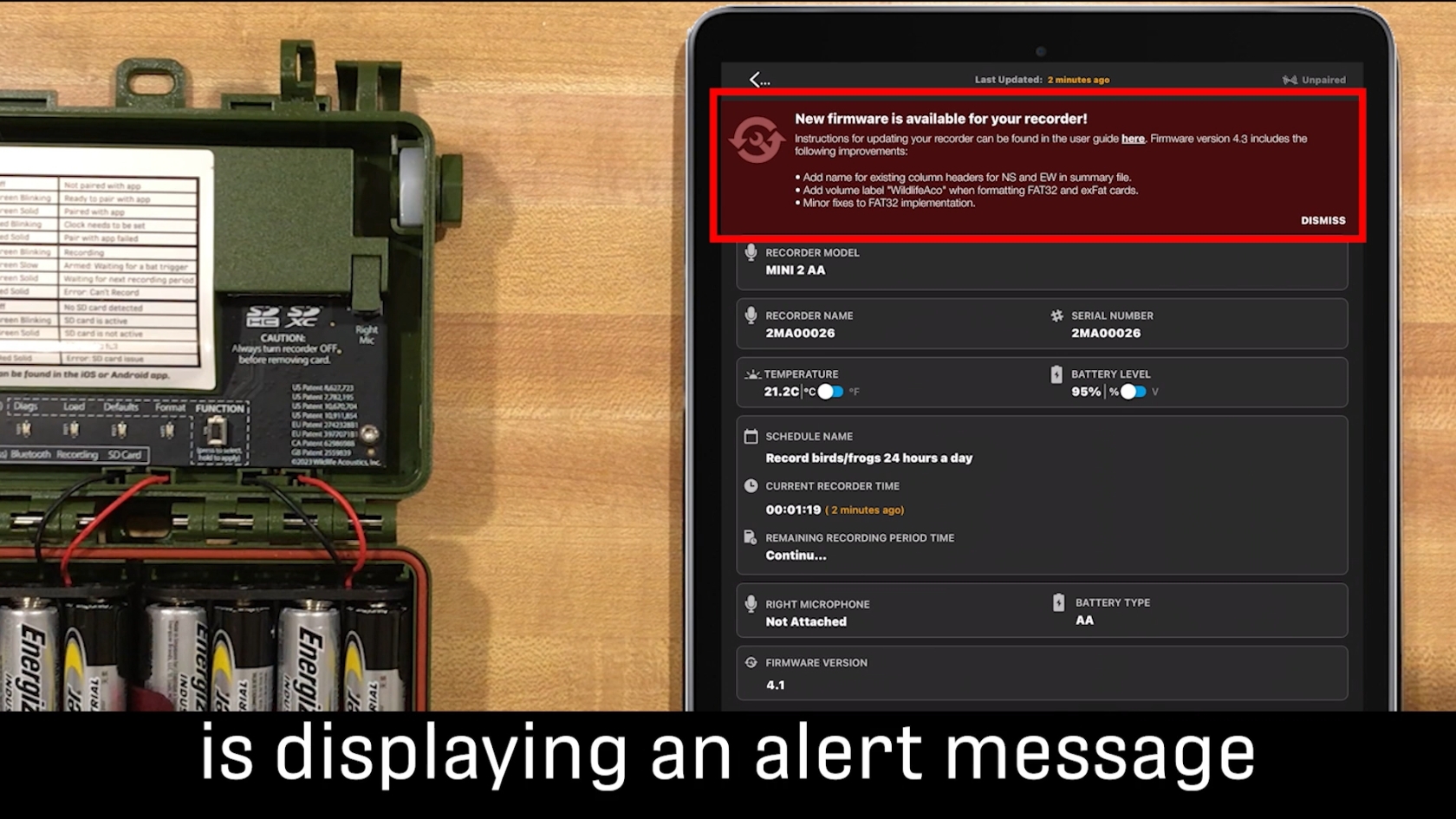
What is firmware?
Firmware is software embedded within hardware. In this case, the hardware is an acoustic recorder.
What is a firmware update?
Firmware updates often enhance hardware functionality by improving compatibility with other devices, fixing bugs, or adding new features.
Why should I update my firmware?
Updating firmware helps users avoid encountering bugs we've already identified and fixed or adds new features.
When should I not update my firmware?
In some instances, customers require consistency to follow a specific protocol. For example, they might need to maintain the exact settings from the previous season to compare results.
How will I know when I need to update my firmware?
The best way to stay current is to subscribe to our email list. We send Tech Support Bulletins to our customers, which include firmware updates and descriptions of the updates' contents. (Just make sure to read the release notes to determine if an upgrade is right for your situation.) In most cases, staying as up to date as possible will ensure that your gear functions at its best!
How to update firmware
See how it's done in these brief video tutorials:
Song Meter Mini 2: Video Tutorial and User Guide
Song Meter Mini Bat 2: Video Tutorial and User Guide
Song Meter Micro 2: Video Tutorial and User Guide
Song Meter SM4: Video Tutorial (around the 4:00 mark) and User Guide
Song Meter SM4BAT FS: Video Tutorial (around the 4:20 mark) and User Guide
Echo Meter Touch 2 (and 2 PRO): Firmware can be updated through the Echo Meter Touch app to improve compatibility with future iOS and Android devices or operating systems. If new firmware is available, a pop-up alert will appear offering the option to update.
Join our mailing list to get notified about upcoming training opportunities, live webinars, quarterly grant offerings, product releases, and more.
Thank you for signing up to our mailing list.
You can unsubscribe or change your email settings at any time by clicking "Manage Preferences" link at the bottom of any mailing list emails we send you.
